Tools
Skills
How this brand wants a kind of work done, written down once and used every time after.
Last updated 23 October 2026

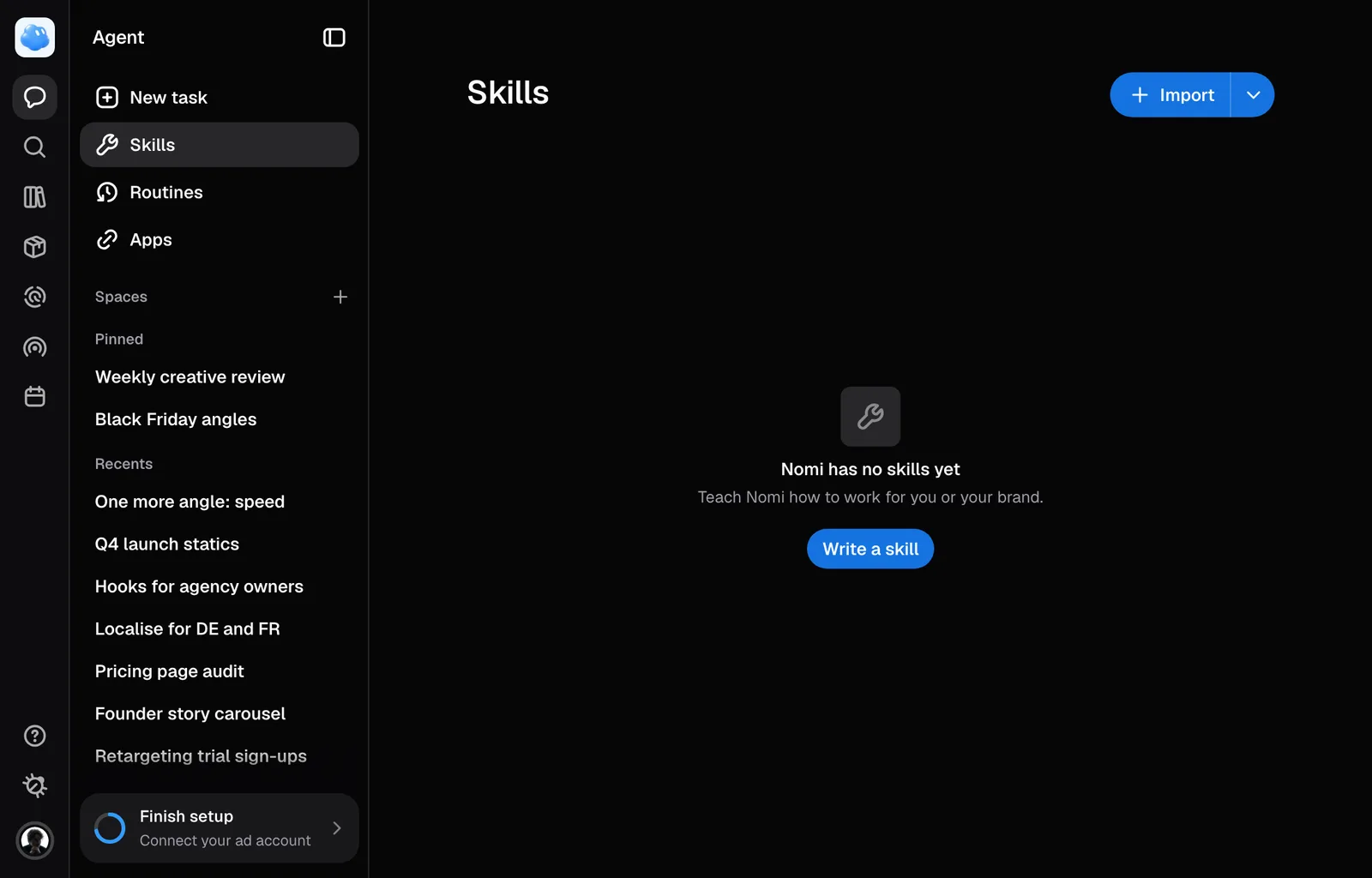
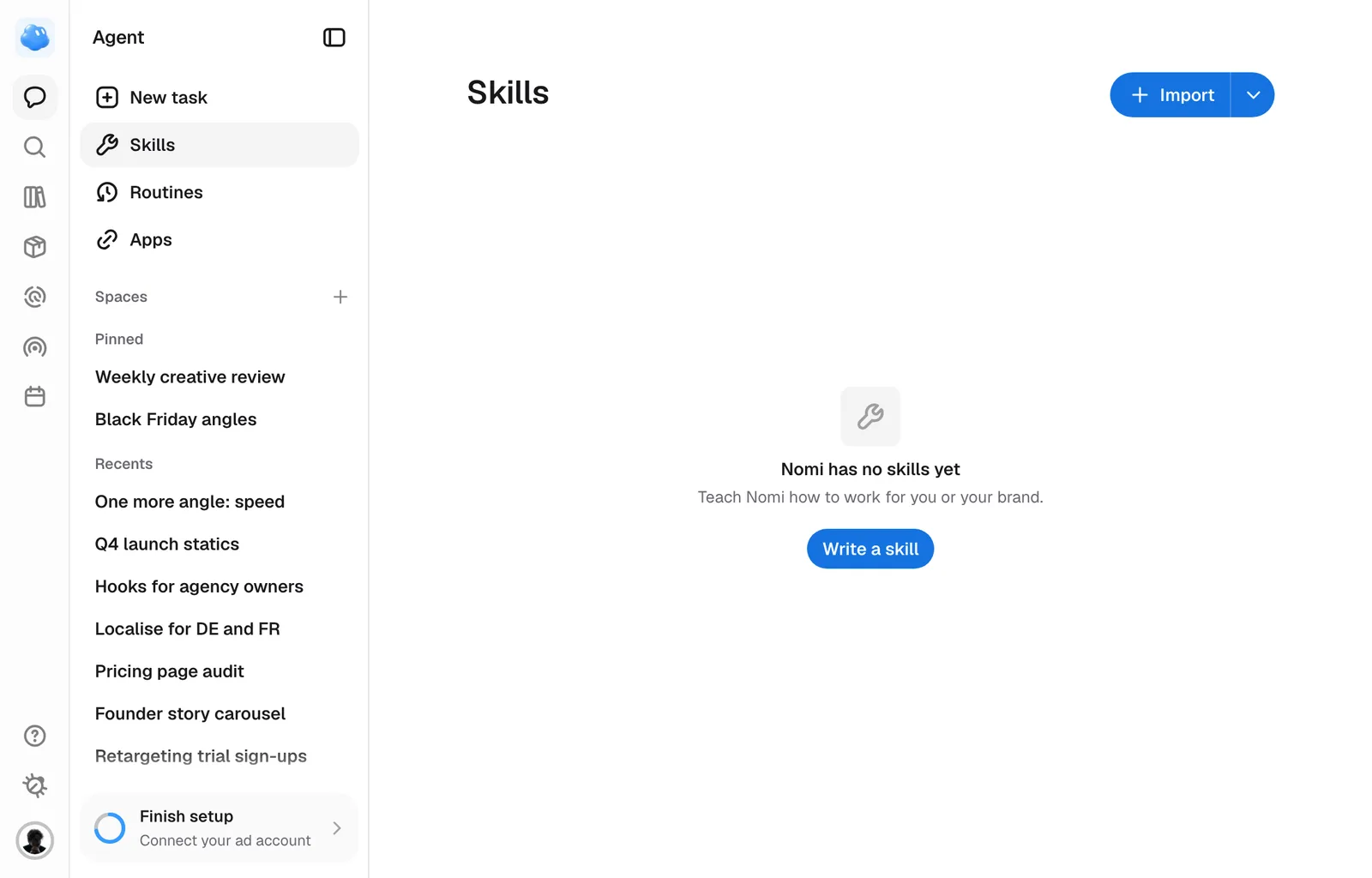
A skill is how you want a kind of thing made, kept as a document Nomi reads before it makes one, and it can hold rules Nomi has to follow, so a skill works as a tool you built yourself: event flyers always on Quality at 3:4, say, or statics always built on a winning ad from your niche. Nomi ships with its own for statics, carousels, scripts, copy, research and the rest. A skill you write sits beside those and covers the part that is only true for you.
Where they live
Open Agent in the rail and pick Skills under New task in its sidebar. Every skill the brand you are in has is listed, with the line underneath saying when it applies. The skills everyone in the brand gets sit in a group named after it, and yours alone under Only you. Import, at the top right, takes a skill file, and the arrow beside it holds Write with Nomi, which opens a new task that asks you what the skill is for and writes it, and Write a skill. Click a skill to open it. A brand with no skills yet offers Write a skill in the list's place. A member can write a personal skill; a viewer gets a read-only empty state.
A skill is for everyone in the brand or only for you. Nomi follows the brand's skills for everybody working in it and yours only when you are the one asking; a teammate's own never reach you. If one of yours has the same name as one of the brand's, yours is the one Nomi follows for you. Switch brands and you get that brand's list: a skill lives in one brand.
Making and changing one with Nomi
Ask in the conversation: "make me a skill for event flyers, always Quality, 2:3, no reference". Nomi writes it straight away, for you alone unless you asked for the whole brand and you are its admin, and says in one line what it wrote.
When you do not like what a skill made, say so and say what to change: "the flyers should be 3:4", "never put a QR code on them". Nomi changes only that and keeps the rest. If you are not an admin and the skill is the brand's, your change becomes your own skill of the same name, and the brand's stays as it was for everyone else.
Say "put it back" and Nomi takes its last change back; say it again and the change returns. This works in the conversation where the change was made.
Nomi will not build a skill out of a web page, a competitor's ad or a document you uploaded, because a skill is how you work and only you can say that.
Rules a skill can hold
- Engine: Fast or Quality, for every new picture the skill makes. You can still switch it on the card before it renders.
- Sizes: the only shapes it makes, such as 3:4 or 9:16. Nomi will not propose another size while the skill is in use.
- Reference: always built on a winning ad from your product's niche, or never.
- Kind: an ad, an organic post, or a graphic. A graphic is any other picture, such as a product render, a flyer or a banner, and is made the way your skill says: from your words, the pictures you attach and, when one of your products is in it, that product's own photographs from Products, with no ad frame, no market and none of the brand styling an ad gets. Your logo goes on when you or the skill ask for it. A skill with no kind makes graphics too, and an ad or a post when that is what you ask for.
- Tools: what the work needs beyond Nomi's usual set, such as reading a page you link or filing a document in the Library. A tool your plan does not include is not loaded, and Nomi says so. Tools from apps you connected need no rule: a skill already has them.
Type / and the skill's name in the composer to use it on purpose: Nomi reads it before anything else in that message. Nomi follows a skill as the whole way that work is done, and reaches for one of its own skills only when yours names it. A brand or persona read made under your skill follows it too. A document your skill writes that is not a script, a campaign brief or ad copy, such as an email sequence or a report, is filed in the Library as a Document. The rules apply to new pictures only; resizing, translating or editing an existing picture is left as you ask.
Writing one by hand
Write a skill, behind the arrow beside Import, opens three fields empty, and For under them says who it is for: Everyone in the brand or Only you. Who it is for stays as it was written. The page does not show a skill's rules yet; editing a skill there keeps the rules it has, and a file you import can carry them.
What is in one
Press the pencil on a row to open it. Three fields, and Save writes all three at once; Cancel leaves the skill as it was.
- Name. What the skill is called. Renaming it here is the rename, there is nothing else to change.
- When it applies. One line. This is the part Nomi reads on every message to decide whether to open the skill at all, so it should name the work rather than describe the skill.
- How it is made. The instructions themselves, and the longer half. This is what Nomi reads once it has decided the skill applies.
A skill cannot take the name of one of Nomi's own, because a skill called deploy or static would quietly replace the built-in and the result would look like Nomi misbehaving rather than like a setting. Give it your own name and it sits beside the built-in instead.
Bringing one in and taking one out
Export on an open skill saves it as a Markdown file with the name, the description and its rules at the top (`engine`, `sizes`, `reference`, `kind`, `tools`). Import, at the top right, takes a file in that same shape.
It is the format Claude and other tools already use for a skill, so one written there can be brought here, and one written here can be carried away. A file exported and imported again comes back the same.
The name is tidied on the way in: capitals become lowercase and spaces become dashes, so Winter Statics files itself as winter-statics. Use Latin letters, digits, dots and dashes.
Removing one
Open the skill and press Delete. It asks first.
Deleting is permanent and there is no undo. Nomi stops using the skill on your next message. Export it first if you might want it back.
Everyone working in the brand sees its skills, because Nomi follows them whoever is asking. An admin of the brand writes the ones everyone gets. A member writes skills only for themselves: For offers only Only you, an imported skill is theirs too, the brand's rows have an arrow that opens the skill to read, where Export still takes it out, and their own rows have the pencil. Someone who can only read the brand writes none.
Where else they appear
A skill is stored as one of the brand's memories, under /skills/, so it also shows up in the skills folder under Agent Memory on the Brand page. It is the same document seen from the other side, and editing it in either place is the same edit.
Still missing something?