Library
Folders and collections
How Nomi groups work, and why filing something never moves it.
Last updated 24 October 2026

A collection gathers creatives in the Library. A folder gathers saved ads in Radar. Neither of them is a drawer you put the only copy into: both are lists that point at work already sitting somewhere else, so filing something in moves nothing, and deleting the container never deletes what was inside it.
Collections gather your creatives
Every creative lands in the Library the moment its job exists, filed nowhere. A collection is a name, an optional colour and a list of creatives that already exist. One creative can sit in five collections at once and still be in the Library, whole, exactly once.
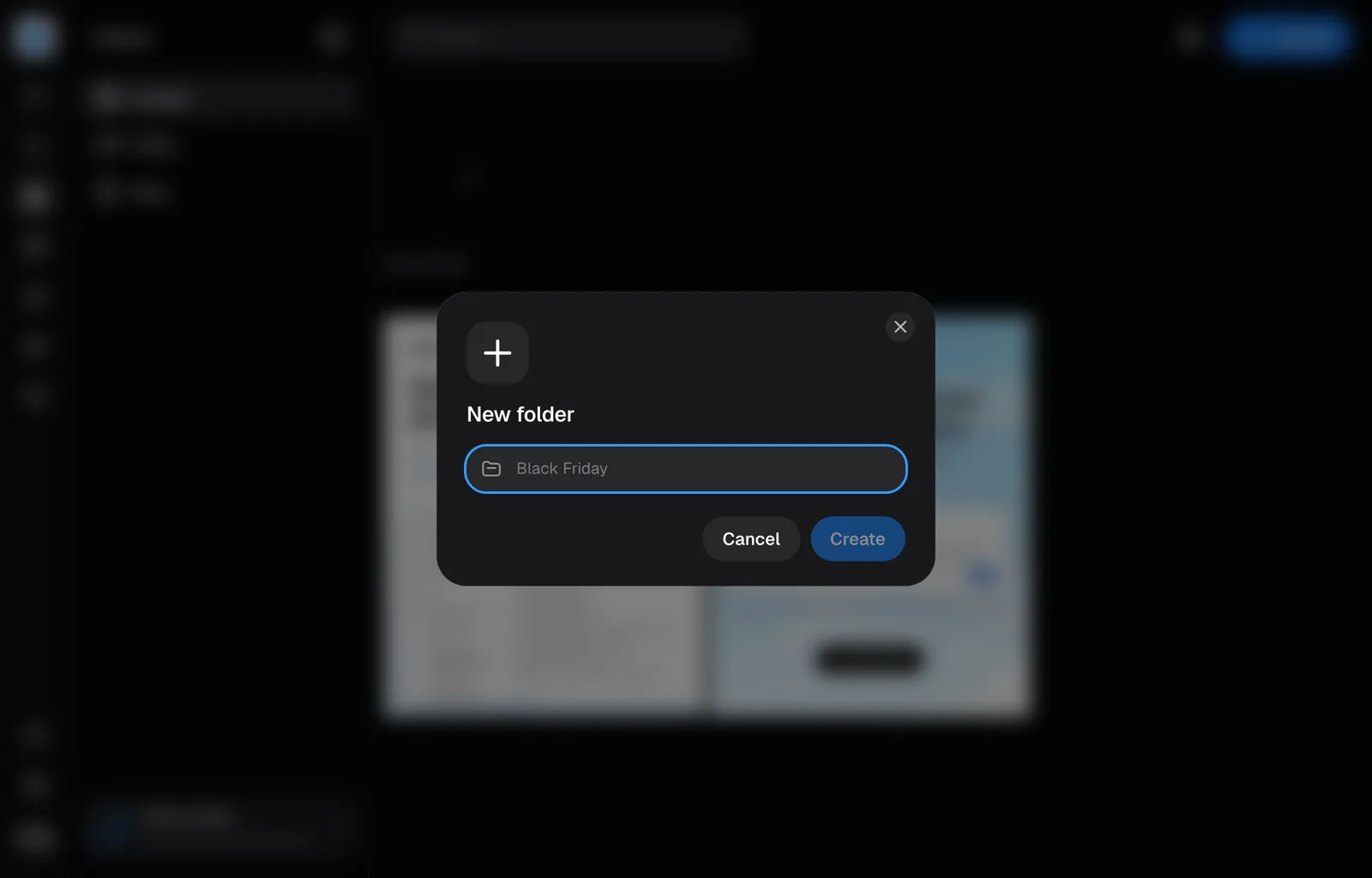
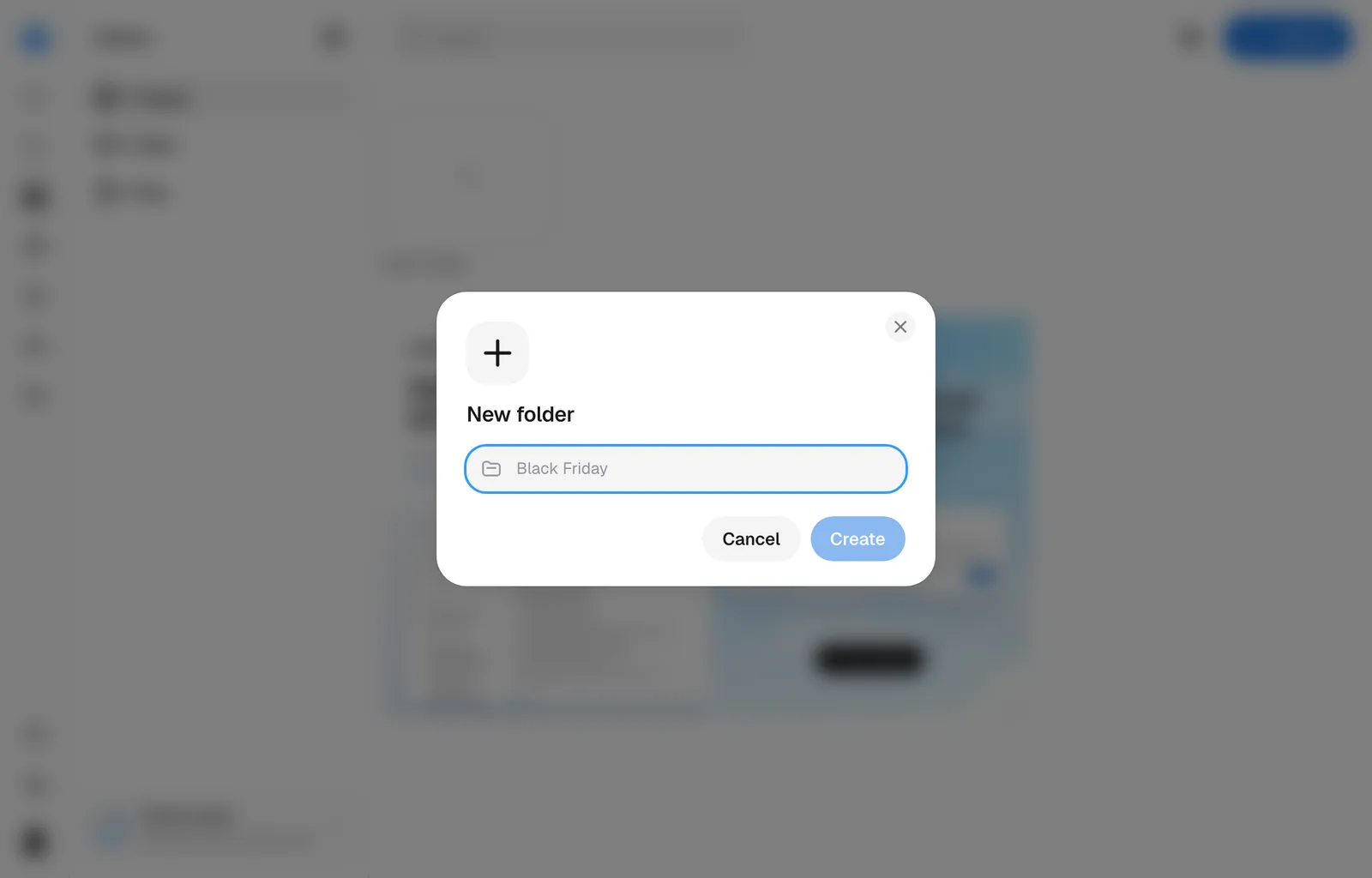
Make one from the New folder tile at the top of All creatives in the Library, or from inside the save picker. Give it a name and one of seven colours. Uncoloured is the default and a real answer: the mark stays a thin outline until a colour is worth something to you.
Filing something into one
The bookmark on a creative opens the picker, on a card in the Library and on a card inside a session alike. Tick as many collections as you like and the panel stays open, because one ad belongs in Black Friday and in Evergreen at the same time. The bookmark fills once the creative is in at least one collection, and empties when it leaves the last one.
Select several cards and the bar along the bottom offers Add to collection for the whole lot at once. A collection ticks there only when every creative you selected is already in it.
A collection made from New folder inside the picker holds the creative you opened the picker on, or the whole selection, straight away.
Or drag a card onto a collection's tile: the tile opens as the card passes over it, and letting go saves the card inside, with the rest of the selection when the card is one of them. Let go over New folder to name a new collection with the card already inside. The card travels as a small picture of itself, with a count when a selection goes with it. Nothing is uploaded again, and a card let go anywhere else stays where it was.
Uploading into one
Open a collection on My assets and press Upload, or drop files anywhere on the page, and they go into that collection. Each file is a placeholder card at once, at its own shape, and stays in the collection once it lands. An upload from All creatives, or from a collection there, stays there as one of your ads, apart from My assets.
Opening one
Press the tile. The search field gives way to a back arrow, the collection's name and how many items it holds. While older creatives are still being read, the collection shows loading cards rather than saying it is empty. Filters and the date window still work inside it, and the back arrow, All images, takes you back out. Collections belong to the workspace rather than to you, so everyone on the team sees the same shelf.
A collection made since 16 October 2026 holds pictures and video together; an older one keeps the kind it was made for. All creatives and My assets each have a shelf of their own, so what you upload is organised apart from what Nomi made. A save picker offers the collections that can take that creative, on the shelf it belongs to, and a selection of pictures and videos together goes into a collection that holds both. Documents are not filed this way.
A collection's ⋯ menu holds Pin to sidebar, which lists it under Pinned in the Library's sidebar, in this browser, and puts a pin on its cover. Open one and its mark turns into an open folder, in the sidebar and in the bar, until you leave it. In the sidebar, drag a pinned row to put it in another place, or drag it out of Pinned to unpin it; its ⋯ holds Rename, Unpin from sidebar, Move up, Move down and Delete folder too, and a delete asks first, as it does on the shelf. Radar's pinned folders work the same way; a pinned document's ⋯ holds only the unpin and the order.
Asking Nomi
Nomi can rename a collection, take ads out of one, rename an ad, write an ad's copy and archive an ad when you ask. A new name or new copy has to be in your message or in Nomi's last reply, so when Nomi suggests the words, it shows them first and changes them after your yes. Deleting a collection or an ad stays yours.
Folders gather other brands' ads
Radar's Swipe file carries the same shelf under a different word: folders, with the same tiles, colours and picker. A folder's ⋯ menu also holds Pin to sidebar, which lists it under Pinned in Radar's sidebar, in this browser, with a pin on its cover.
One rule differs. A folder is a subset of what you have saved, so unsaving an ad drops it out of every folder it was in. Saving is what keeps an ad; a folder is only the tidying on top.
Deleting a collection deletes the collection and nothing else: the creatives stay in the Library. A deleted folder leaves its ads saved. It runs the other way too, and that one is permanent: delete a creative and it leaves every collection, because there is nothing left to point at.
Still missing something?