Radar
Following a brand
How to follow a competitor, what it changes, and how to stop.
Last updated 24 October 2026

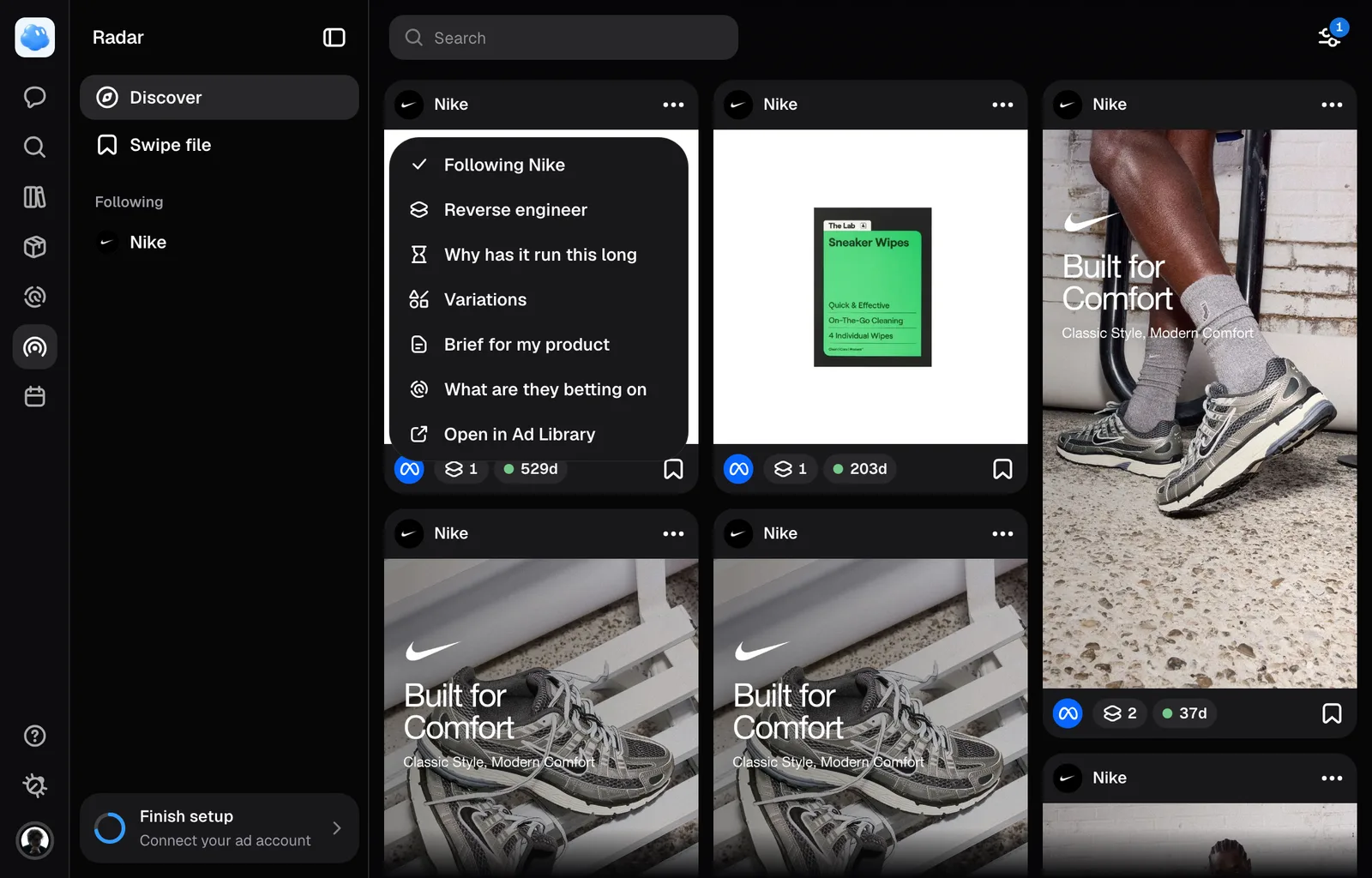
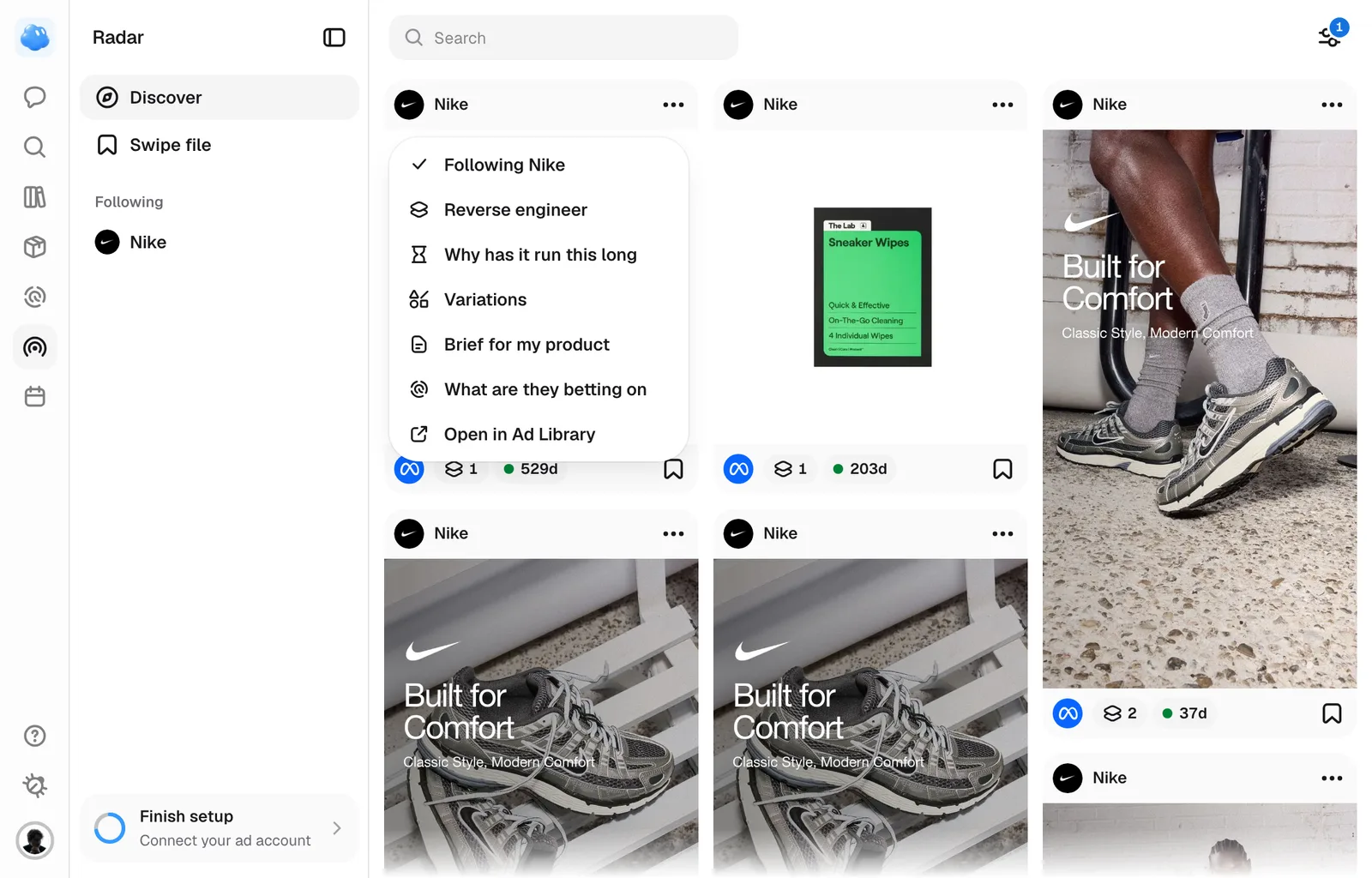
Following is how you tell Nomi which advertisers to keep an eye on. It gives that brand a page of its own, keeps its ads arriving, and marks what has turned up since the last time you looked.
How to follow one
Every ad card in Radar carries the advertiser's name at the top and a menu at the other end of that row, and Follow is its first row. Open the ad and a Follow pill sits next to the name in the sheet's Brand tile. One press is all of it, and both read Following from then on.
The card’s toggle stops following directly; the Advertisers directory and the brand page’s primary Following action ask for confirmation. If the change is refused, the control returns to its previous state so you can retry.
A team member with view-only access can browse Radar and read everything in it, but cannot follow or unfollow a brand.
What it changes
- The brand appears in Following, with sections for Overview, Creative Strategy, Hooks and Ads. Advertisers also opens captured brand pages before you follow them.
- Nomi fetches that brand's ads immediately, so the page has something on it within the same visit.
- After that Nomi keeps the brand topped up on its own overnight, and it will not refetch a brand it collected from recently.
- Nomi remembers when you last opened the page, so everything that arrived since is marked as new and sorted to the front.
Asking Nomi
You can ask Nomi to follow or unfollow a competitor by name, and to save an ad, into a folder if you name one. A follow can fetch the competitor's ads the first time, the same as following it here.
The Following list
Radar's sidebar lists every brand you follow under Following, one row each with the brand's logo and name. Press a row to open that brand's page. If setup found your own Facebook page, your brand is on the list too, followed for you, so its ads stay as current as everyone else's.
A blue +N pill on a row means that brand has N ads you have not seen yet.
Opening a brand's page is what clears its pill. The advertiser’s Ads grid puts new arrivals first.
How many, and stopping
One workspace can follow fifty brands. At that ceiling the pill refuses and says so, and the way forward is to unfollow one you have stopped caring about.
To stop, open the brand's page from Following in the sidebar and press Following in its top bar. This one asks first, with Unfollow, because it does more than the pill on a card suggests.
Unfollowing removes the brand from Following, and the count of what is new starts again from zero if you follow them back. Its captured ads remain available from Advertisers. The ads already collected stay in Radar either way, so nothing you have saved disappears.
Shortcuts
Still missing something?