Radar
What Radar is
The ads other brands are running, collected by Nomi into one grid.
Last updated 21 October 2026

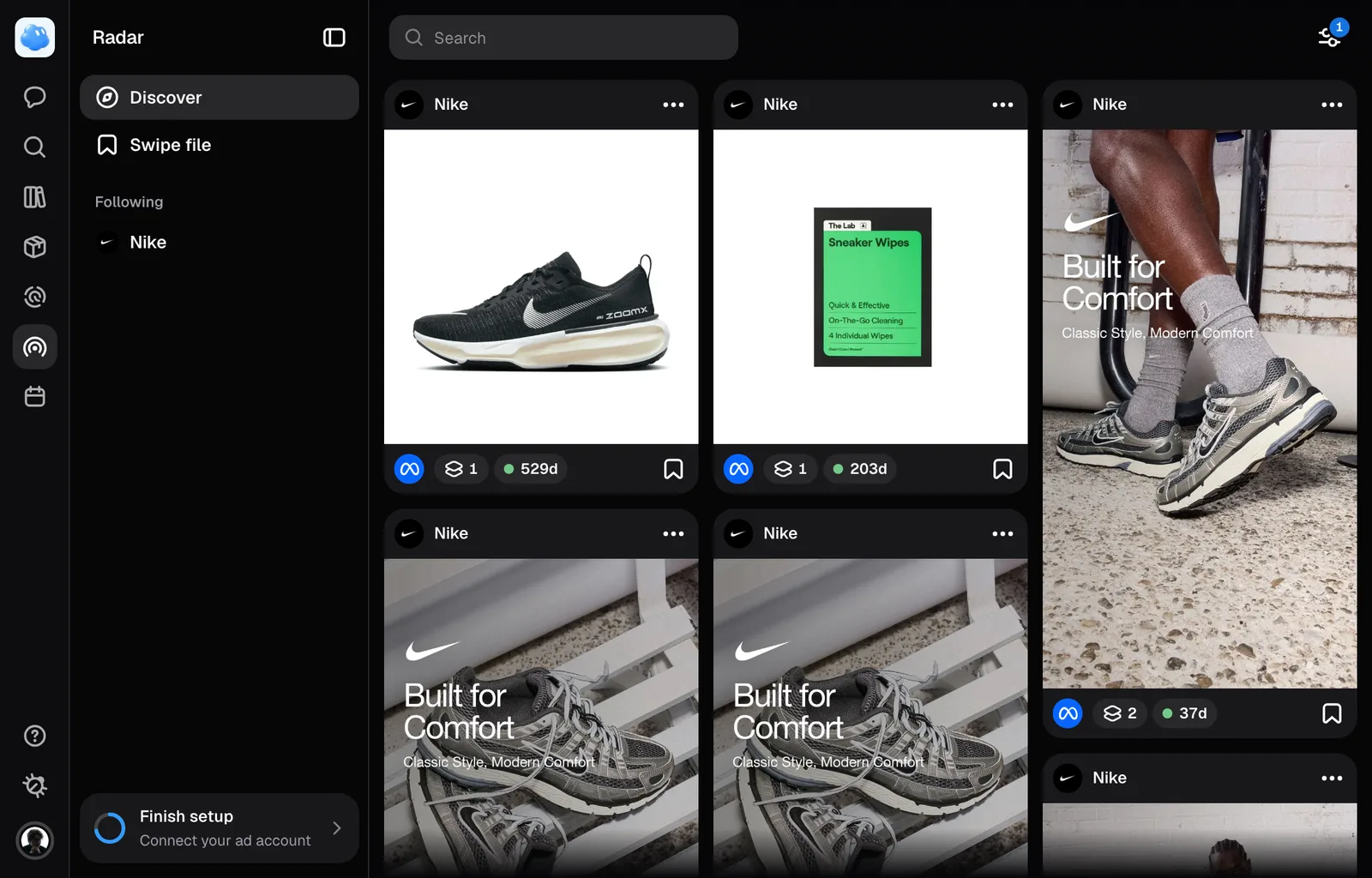
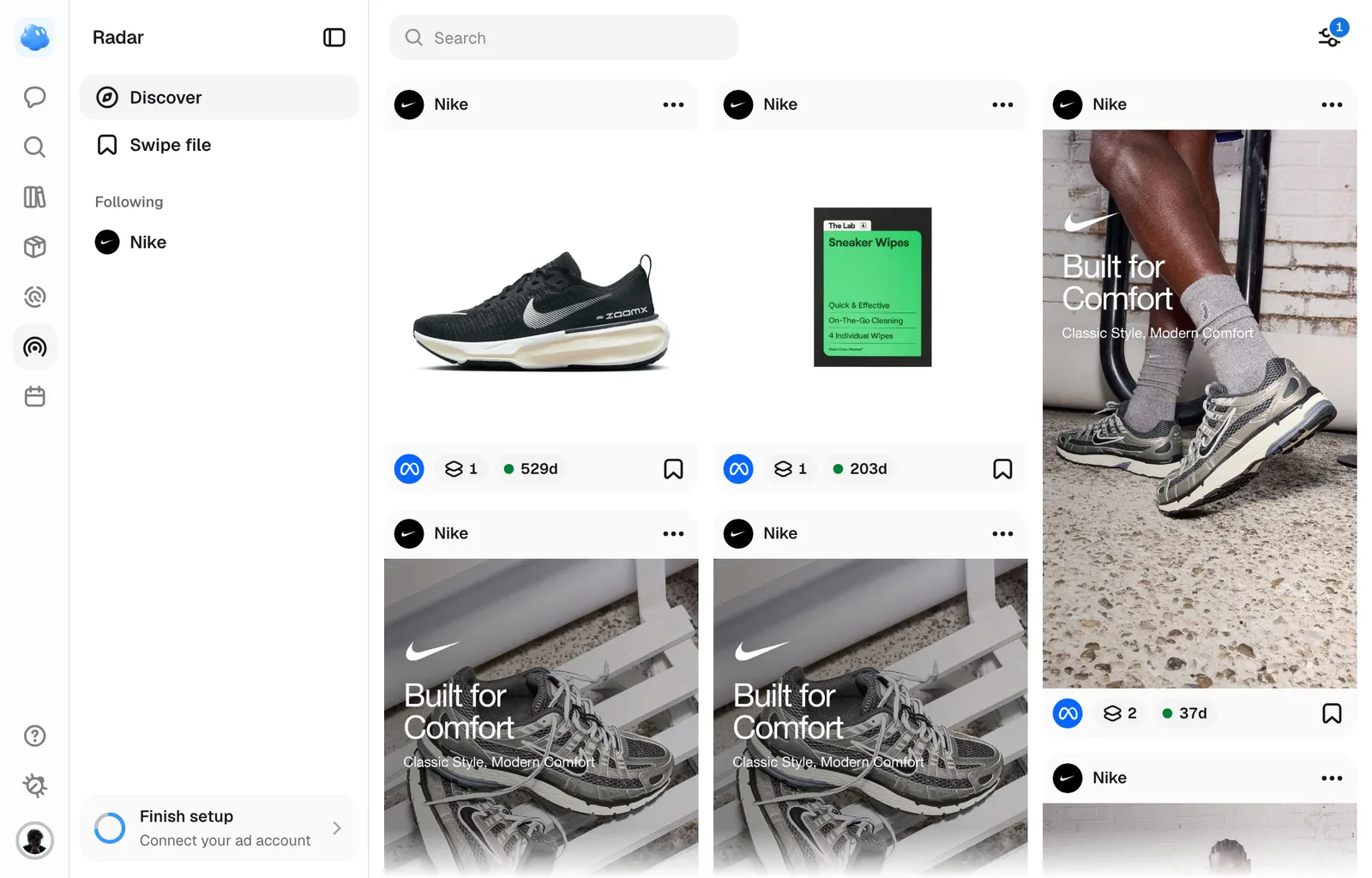
Radar is a grid of real ads from other brands: what they published, how long each has been running, and what it says. Nothing here is generated, and nothing here is yours.
Moving around Radar
Radar’s sidebar opens Ads, the collected ad pool; Advertisers, all advertisers with captured ads; and Swipe File, your saved ads. Advertisers has its search at the right of its title and opens a captured advertiser without requiring a follow. Under them, Pinned appears once you pin a Swipe file folder with Pin to sidebar in the folder's menu, and keeps it in this browser, and Following lists every brand you follow, each with a blue +N pill when it has new ads. Press a row to open it.
The top bar changes with the view. On Ads the search is at its left, and the filters are at its right. The Swipe file has its own search in the same place and its own filters, built from the ads you saved, and an open folder replaces that search with a back button, the folder's name and how many items it holds.
Where the ads come from
The grid reads a pool Nomi has already collected. Typing in the search field at the left of the top bar fetches nothing new: it narrows what is there, across brand names, headlines and body copy.
Filling the pool is one deliberate act. Type a name into that search field, pick the brand from the list that drops down under it, and Nomi fetches its live ads from the Meta Ad Library across the markets it covers. A brand advertising only outside those says so instead of leaving an empty grid. The brand you picked sits above the grid with its picture and, once its ads are in, how many there are; × takes it away, and stops a fetch that is still running. The separate Advertiser dropdown filters brands already in the pool; it does not trigger a scrape.
Once you Follow a brand, Nomi keeps it fresh on a schedule and picks up its TikTok posts alongside the Meta ads. The pool is shared, so a brand somebody else added is already there for you.
What a card tells you
Discover puts the advertiser and the time observed above the creative, with its landing page below. A tall video stays tall and a square image stays square; the grid preserves their proportions.
- The advertiser is at the top left. Its network mark sits on the profile picture, and the observed number of days is underneath the name, without a pill.
- The status dot is green only when Nomi has completed a check of the brand and found the ad active. Otherwise it is grey; an unverified ad never claims to be live.
- Save and ⋯ are at the top right. The menu contains Save or Unsave, Follow or Following, the questions Nomi can take into a session, and Open in Ad Library.
- The copy has a one-line preview above the creative. Open the ad to read it in full.
- The landing page shows its domain, headline, description when supplied, and original call to action. A known video duration appears over the video. Missing source fields are left out.
Longevity describes how long an ad was observed, not its spend or performance. Markets are listed in the ad details rather than repeated on the card. The Swipe file shows its saved ads on these same cards.
On a brand's own page the card has no top row, because every card there is that brand: its menu sits at the right edge of the bottom row instead. A very narrow card leaves the network mark, and then the menu, to the sheet.
Every control on the card is visible all the time; nothing waits for a hover. Hovering a video card plays it muted.
The running count exists only for Meta ads. A TikTok post shows no days: the date TikTok publishes is when it was posted, not days served.
Nomi can only tell that an ad stopped by fetching a brand's whole run and finding it missing, which needs a fetch that reaches the end. Until one has, the dot stays grey and the count says how long the ad was seen for, rather than claiming it is still running.
Opening one
Click a card and the ad takes the page in place of the grid, with Radar's sidebar still beside it, as a creative does in the editor. On the left the ad stands as Meta shows it: the brand, the creative and the link card with the destination and the call to action, sized to the screen. The back arrow at the top left, beside the brand's name, returns to the grid. The arrows at the top right walk the grid you opened it from, and the arrow keys do the same. A video plays muted and on repeat in Nomi's own player: press it to pause, and while the video has focus the arrow keys step it five seconds instead.
On the right, under Details, every fact is its own tile: the brand with its Follow pill, whether the ad is running and since when, how long it has run, the versions, the format, the call to action, the source, the language with its flag, the placements with their app icons, the markets, EU reach where Meta publishes it, the landing page with a link, and the body copy, folded until you press See more. Analysis holds Nomi's reading of the ad: who it is aimed at, the desire underneath it, the claimed advantage, the angle, the copy framework, the key message and the emotion.
At the foot of the panel sit Ask Nomi about this ad, Open in Ad Library, Save to folder and Save to swipe file. The back arrow closes the ad, and so does Escape.
EU reach is how many people Meta says the ad reached in the EU. It is a disclosure requirement, not a performance figure: a large one does not mean the ad worked.
A video ad in a session
Attach a saved video ad to a message with Select a reference under the paperclip, and Nomi watches it before it says anything about it: the first three seconds closely, a frame inside every shot after that, and every word said in it. It then knows the hook, each shot, the words on screen and how the ad ends, not only the one still you see on the attachment. It watches a video ad the same way when it reads one while researching competitors.
A video is watched once, which takes about half a minute the first time. Every session after that, yours or anyone else's, reads what was seen.
An attached video ad carries a play mark in the middle of its tile, in the composer and in the conversation. Its badge reads @video1, not a picture's @img1. Click it and the video plays in the preview at full size, muted and looping, in the same player as Radar's sheet: Space pauses, the arrow keys step five seconds, M turns the sound on and F fills the screen.
Ordering it
Order is a row in Filters, at the right end of the top bar, and offers three; on a phone the same row is behind the ⋯. Newest is how the grid arrives, which interleaves the brands so no single one owns the top of the page. Longest running puts the ads that have been paid for the longest first. Most variants puts the ads a brand is testing hardest first. Changing the order returns you to the first row, because an order read from the middle is not one.
Narrowing it
Every way to narrow the grid is a filter: Network, Running for, Format, Ad or organic and Market. On a wide Discover screen Network, Running for, Format and Market stand on the bar as dropdowns, each with a count when something is picked. Newest changes the order, and Advertiser narrows the loaded pool to one brand without fetching new ads. Filters, at the right end, keeps the remaining choices. On narrower screens those choices fold into Filters, including order on a phone. The Swipe file keeps its own filters and phone menu. The button counts what is on, and the panel also sets how many columns the grid draws. On a narrow window the grid draws fewer columns than you asked for rather than shrinking the cards past readable. The grid loads more as you scroll; nothing is paged by hand.
Coming back to it
Radar keeps your place while its tab stays open. Open a brand's page, a session or anything else, and when you come back the search, the picked brand, the filters and the order are as you left them, and so is your position in the grid for up to 1,000 ads loaded and twelve hours. The Swipe file keeps a search and filters of its own, and it and each of its folders keep their own position. Reloading the page, switching brands or signing out starts Radar from the top.
Stopping a fetch prevents further pages and markets from starting once cancellation reaches the server. A page already requested may finish. A source or connection failure is shown in the brand pill instead of claiming there are no ads.
Still missing something?