Sessions
Sharing a session
Who can read a conversation, and the two answers to that question.
Last updated 22 October 2026

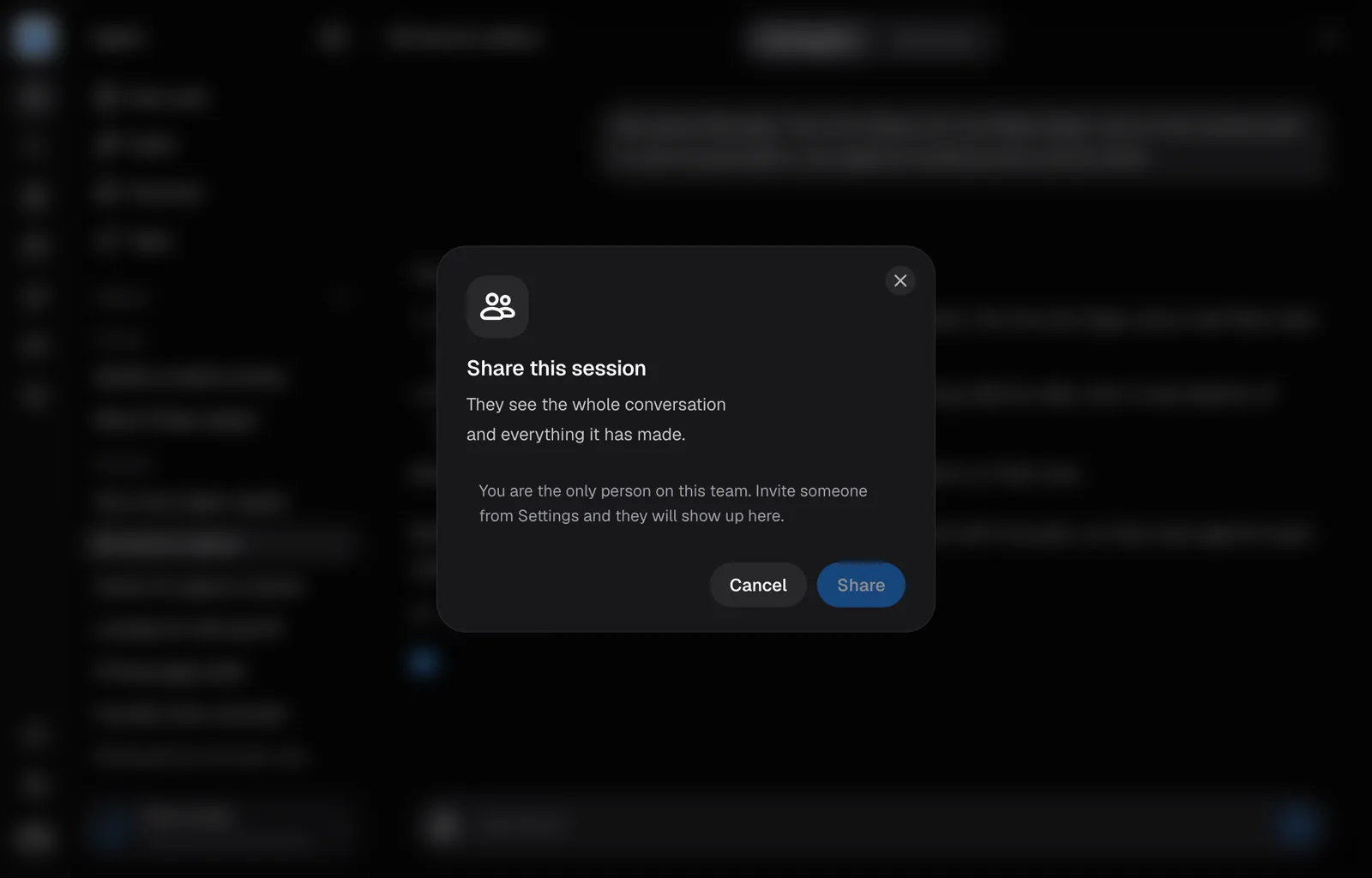
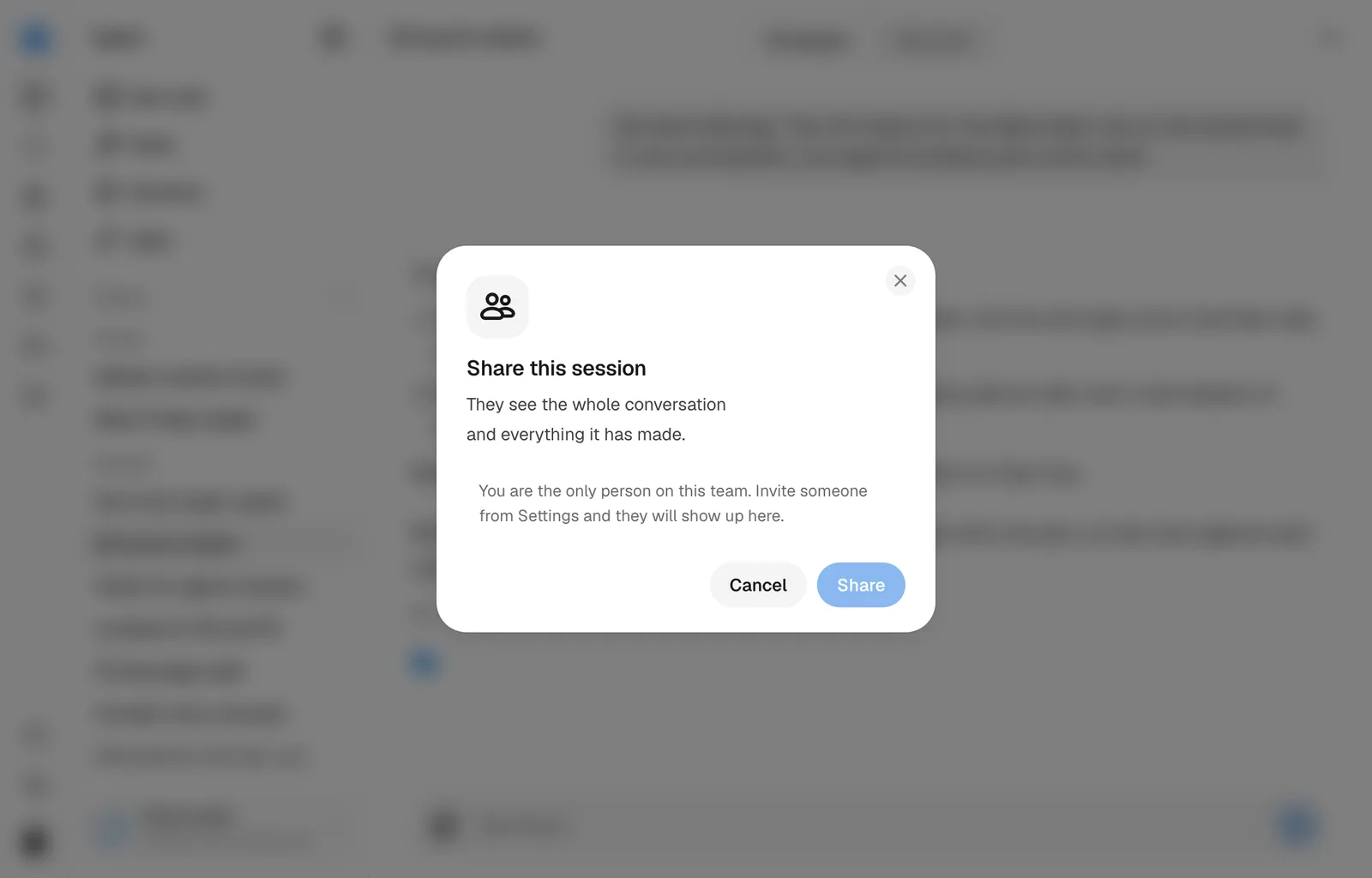
A session starts private. Sharing it hands the whole conversation and everything it has made to everyone on the brand's team, and there are two answers to who can read it: you alone, or the whole team.
The two answers
- Only you. Private means private from everyone else on the team, admins included. It does not appear in their sidebar and they cannot open it.
- Everyone on the brand's team. One row in the dialog. Anyone on that team can open it, and nobody is notified.
Sharing one
Open the menu
Hover the session in Recents and press the ⋯, or use the same menu at the top of an open session. Share session appears only if you started the session or you are an admin of the brand. Once the whole team has it, that row reads Whole team · change.
Tick the team
The dialog holds one row, everyone on the brand's team. Tick it. If you are the only person on the team, the dialog says so and points you at Settings.
Save
The button stays disabled until something would change. Turning the row off again is how a session goes back to being private.
Sharing shows the entire conversation, including everything said long before you shared it, and every creative it has made.
Once the team can read it
Anyone who can read the session can talk in it, as long as their role in the brand lets them work: a Viewer reads and changes nothing. Turns come out of the one balance the company shares, whoever sends them.
Branch a session the whole team can read and you get your own copy, private again.
Still missing something?