Create and edit
How Nomi builds a prompt
What is added to your sentence before an ad is drawn.
Last updated 16 October 2026

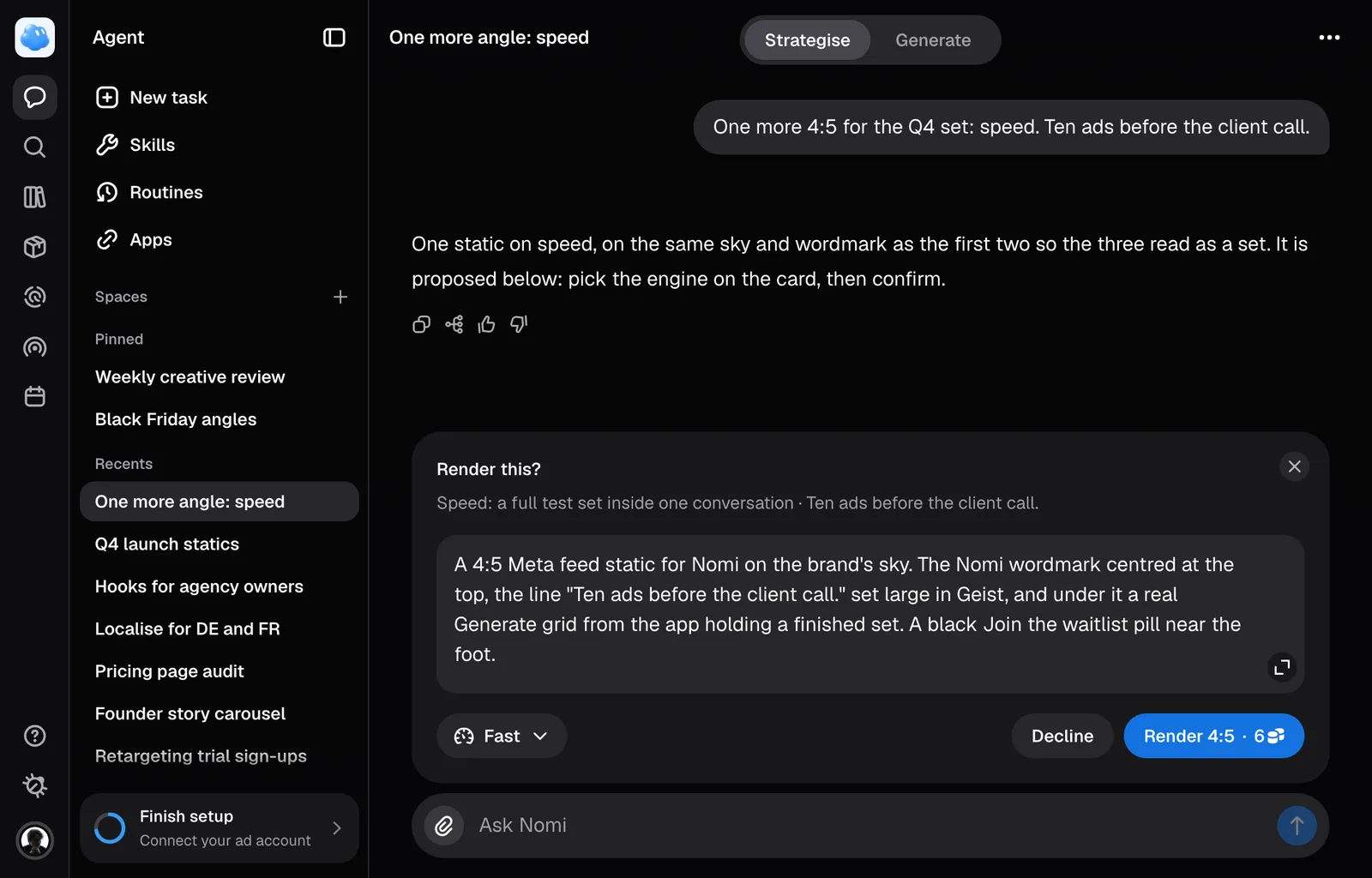
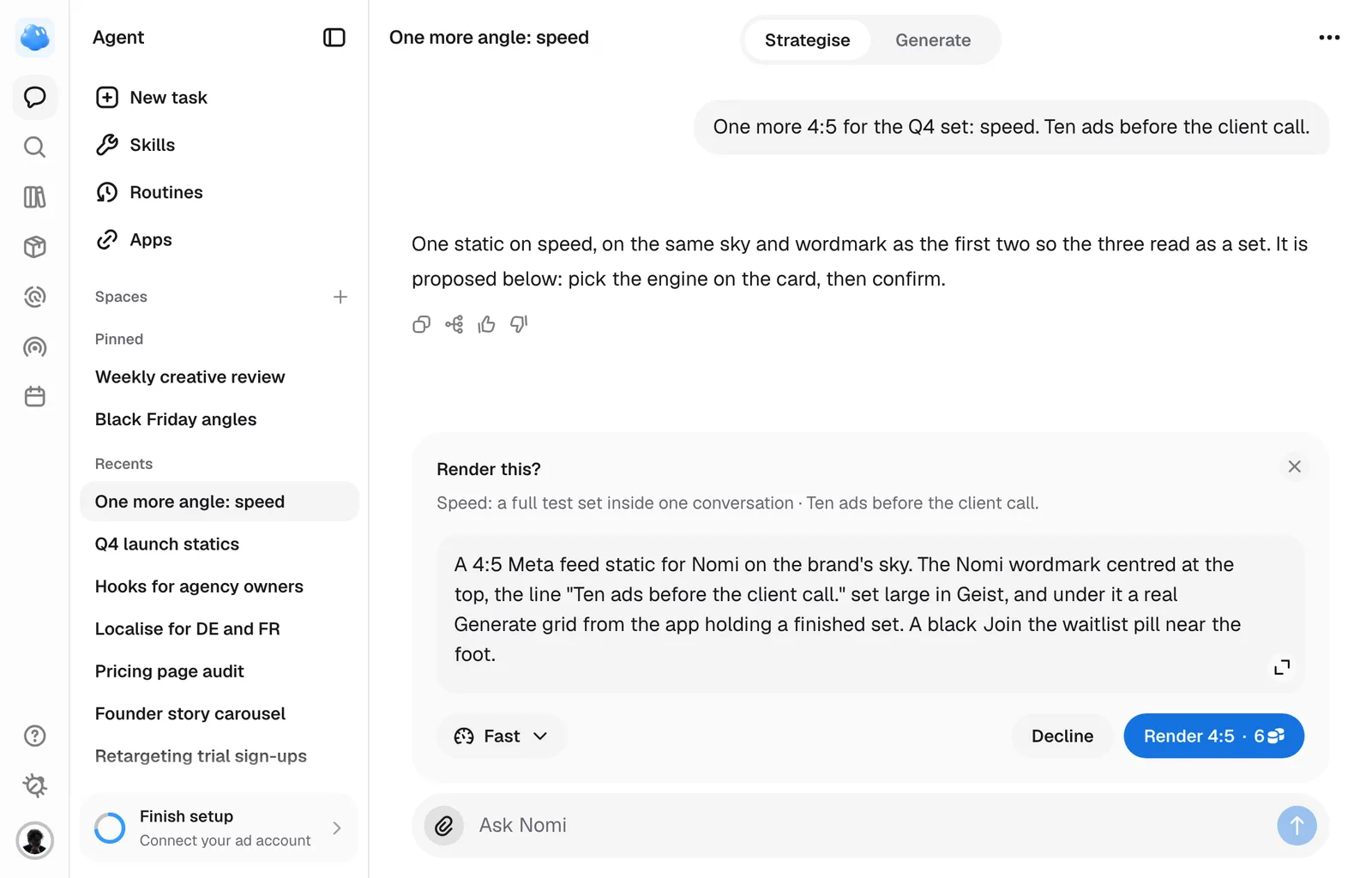
The prompt Nomi writes is only part of what the drawing model reads. Nomi appends the rules of the draw at the last step, at the one point nothing downstream can drop them.
The prompt goes first
The prompt Nomi wrote, as it stood on the card when you confirmed it, leads. Everything else is added underneath, and all of it says the same thing about precedence: it fills in what the request did not say, and never overrules what it did.
A short brief ends up a small part of the whole. One measured case: 134 characters typed, 1,719 characters sent.
The rules that ride along
Which of these appear depends on the shape you asked for and on what is attached.
- Margins and the safe zone: all shapes keep essential content away from the edges. The tall 9:16 story and reel shape is treated as a Meta ad: Nomi draws the ad at 4:5 and places it across the full width in the middle of the 1080x1920 frame: that 4:5 is the safe zone, and the 285px above and below it carry no text, logo or button, only background the drawing model paints. Your text, logo, product and button therefore stay inside the 4:5. Ask for a 9:16 and the 9:16 is the one card you get: the 4:5 is drawn inside the same render and is never shown first. The painted bands are checked for stray text. The finished-image measurement asks for complete comment, review and button containers, including padding and pointers. Check the finished ad; measurement does not guarantee every detail.
- Nothing attached: every word in the picture must be one the prompt named, and any surface it gave no words to stays blank rather than getting invented lettering.
- A product picture: the prompt names which attached picture is the product, by the picture's own handle (image_2 is the product. Do not morph it.), and, when the photograph shows more than the product, what stays out (it also shows a lime and a glass; leave those out). The rule that rides along says what may not change on it: its shape, its proportions, its colours, its wordmark, its label and every line printed on it. The brief and chosen format determine how many products appear. A bundle can contain several products; multiple photographs of the same product do not mean it should be duplicated.
- A picture that is only a reference: the ad borrows lighting and styling, and never the other brand's logo, packaging or on-image text. When a format or wireframe already sets the arrangement, the reference cannot replace it. Its instructions also cannot erase the lettering on your supplied product.
- A reframe or a translation replaces all of the above: the same ad in a new shape, or in a new language with that market's own price and offer.
What the brand contributes
The brand's look goes last, in the order it is read: the general look, the brand world, the colour palette, the headline type, the body type, the button style, the corner radius, the visual identity rules and the forbidden styles.
The icon style is not sent; a still picture has no icons to draw from it. Logo placement is not sent as a line of the look either: it decides the logo sentence below.
The logo works differently from the rest of the brand's look. Your own word about the logo on that call, else the brand's Logo placement, else the reference ad's product, adds a sentence naming the resolved mark: with none of them nothing is said, and a reference ad that shows its own brand's logo never adds yours. A reshape or a translation carries no logo sentence, since the picture they resend already has its own. Only when the resolved mark stands alone does the logo file itself also travel, as a picture, so the render copies your real mark rather than inventing one.
The prompt has a hard ceiling. The brand's look takes whatever room is left: whichever field does not fit is skipped, and the render still tries each field after it, rather than cutting one in half. If the brief and required rules still cannot fit, Nomi asks for a shorter brief before rendering. Brand examples guide compatible styling; they do not add props or change the setting you requested.
Nomi does not propose a render from a stored product photograph under 400 px on its short side; add a larger one on the Products page. A picture you upload in the conversation is used at whatever size it is. If a selected product photograph cannot be read, or the brief names an image that cannot be attached, the render stops before generation. Select a usable photograph and try again.
What background review checks
When a background review runs, it receives the expected on-image words, placement rules and available original product references for the images it sees. For new creatives, those references come from the selected product photos or product uploads used for the render. If a source has changed or is unavailable, Nomi cannot verify that comparison. Tiny unreadable packaging text also remains unverified.
Each review can inspect up to six ads and six unique product references. Images outside that limit are named as not reviewed. Edits and resizes keep source-reference lineage, but a newly introduced product needs its own matching reference. Review guidance helps identify problems; it does not guarantee that a generated image is correct or automatically repair it.
For a specific result, describe the scene, the message and the role of each reference. Brand styling can support that direction, but it cannot replace it.
Still missing something?