Brand and products
Using a product
How a product rides your messages, and what it tells Nomi.
Last updated 19 October 2026

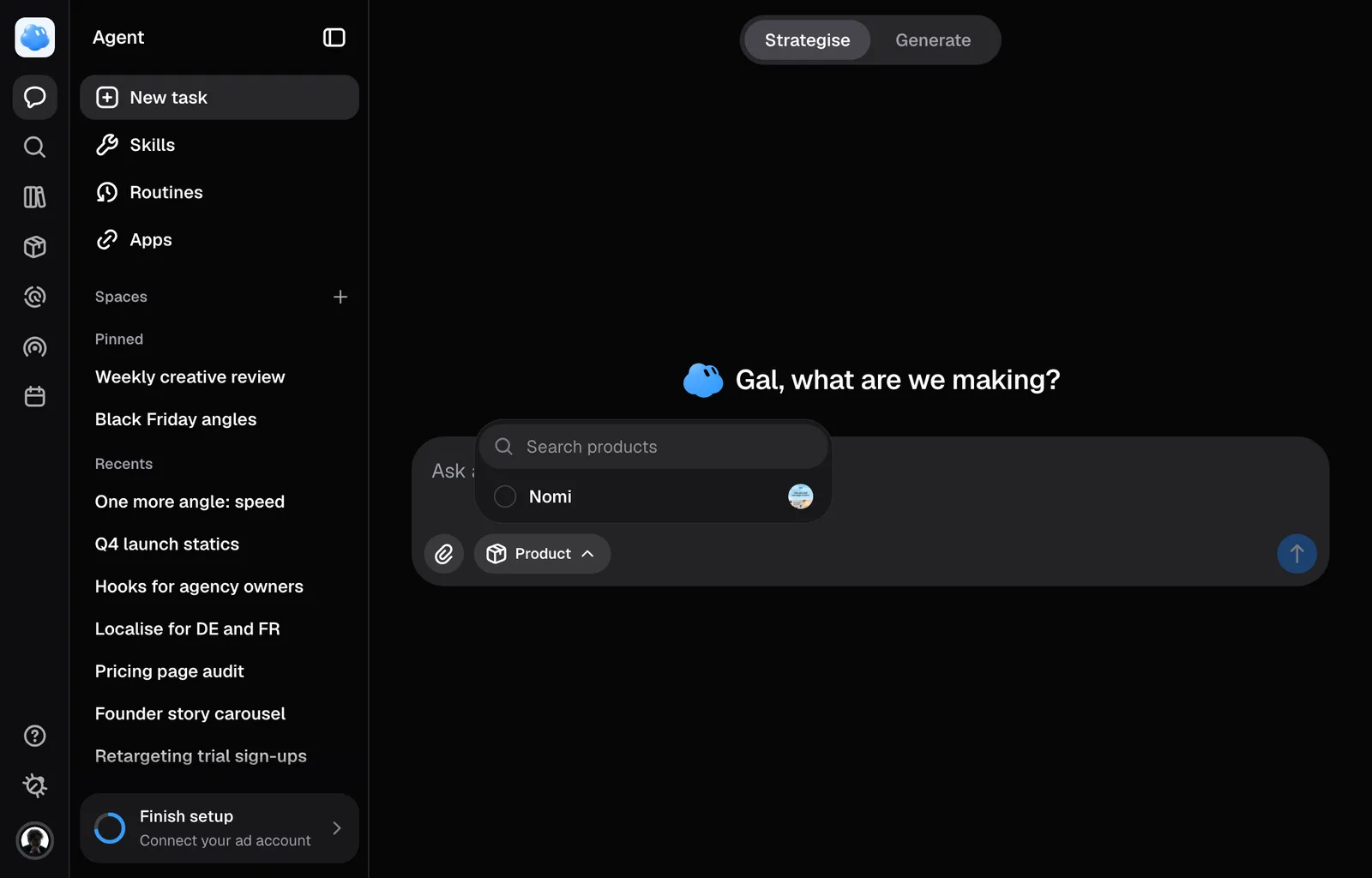
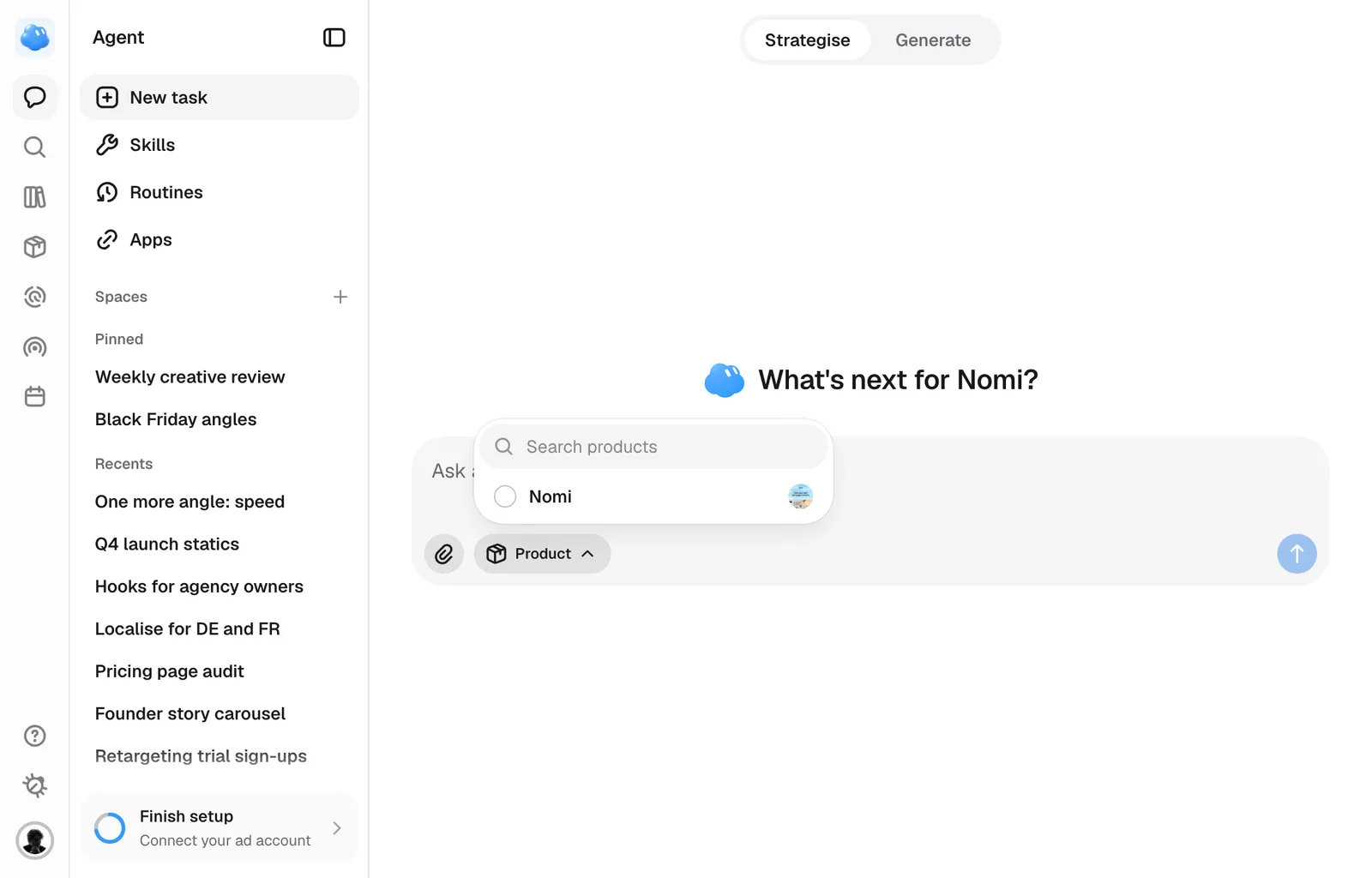
Picking a product is how Nomi knows what the ad is for. It is the one piece of context you attach by hand, and it is worth doing before the first sentence.
Pick one from the composer
Open the picker
Press the paperclip beside the field, on New task or inside a session: its third row is Product, with the product's face and name once one is picked, or how many when there are several. Press it to open the list.
Search for it
The list belongs to the active brand, with a search field above it. Typing searches the workspace rather than the first screenful, so a long catalogue still finds its tail. Anything already picked stays in the list, under In this session.
Pick as many as apply
A duo or a three-product bundle is ordinary. Eight on one message is the ceiling.
To take one back off, open the pill and press its row again; nothing asks you to confirm.
Typing @ never offers a product. It names pictures already on the message. The Product pill is the only door.
What the product sends
Every message you send while the pill is there carries the product's name, whether it is a physical product or software, and its page address if it has one. Nomi is told this is context rather than a picture, and that it may read that page for detail you have not mentioned: the claims, the price, the tone.
Changing the selection applies from your next message forward. A message already sent keeps what it was sent with, so taking a product off never rewrites the conversation behind you.
Nomi picks the photographs
To put several products in one ad, pick them and ask for a bundle, such as "Create one ad showing the serum and moisturiser together." Nomi reads each product and chooses a photograph of each for the same image. Picking several products alone provides context; your request decides which ones appear together. One render accepts up to four input pictures in total, shared by product photographs, references and any source ad. If a product's photograph is missing, Nomi asks for it before proposing the bundle.
You do not choose which of a product's photographs go into an ad. Nomi looks at them while it prepares the ad and takes the ones that ad shows: what you asked for decides first, then the layout the ad is built in. When a particular one matters, say so in words, such as "use the open box" or "show the sachet in a hand". A picture you upload yourself is used as it is, in place of Nomi's choice.
If a required product picture is missing, has unreadable dimensions or is smaller than 400 pixels on its shorter side, the generation stops before the image model is called. Replace it with a usable photograph and try again. A short side of at least 1,000 pixels gives the model more detail to work from, but does not guarantee accurate fine print.
When it has no pictures
Type @ with that product picked and the list says so, and offers to fetch one from its landing page. If there is no page, or nothing usable on it, it says that instead.
Still missing something?