Get started
Set up your brand
The conversation after you pay: what Nomi asks, and what it reads on its own.
Last updated 23 October 2026

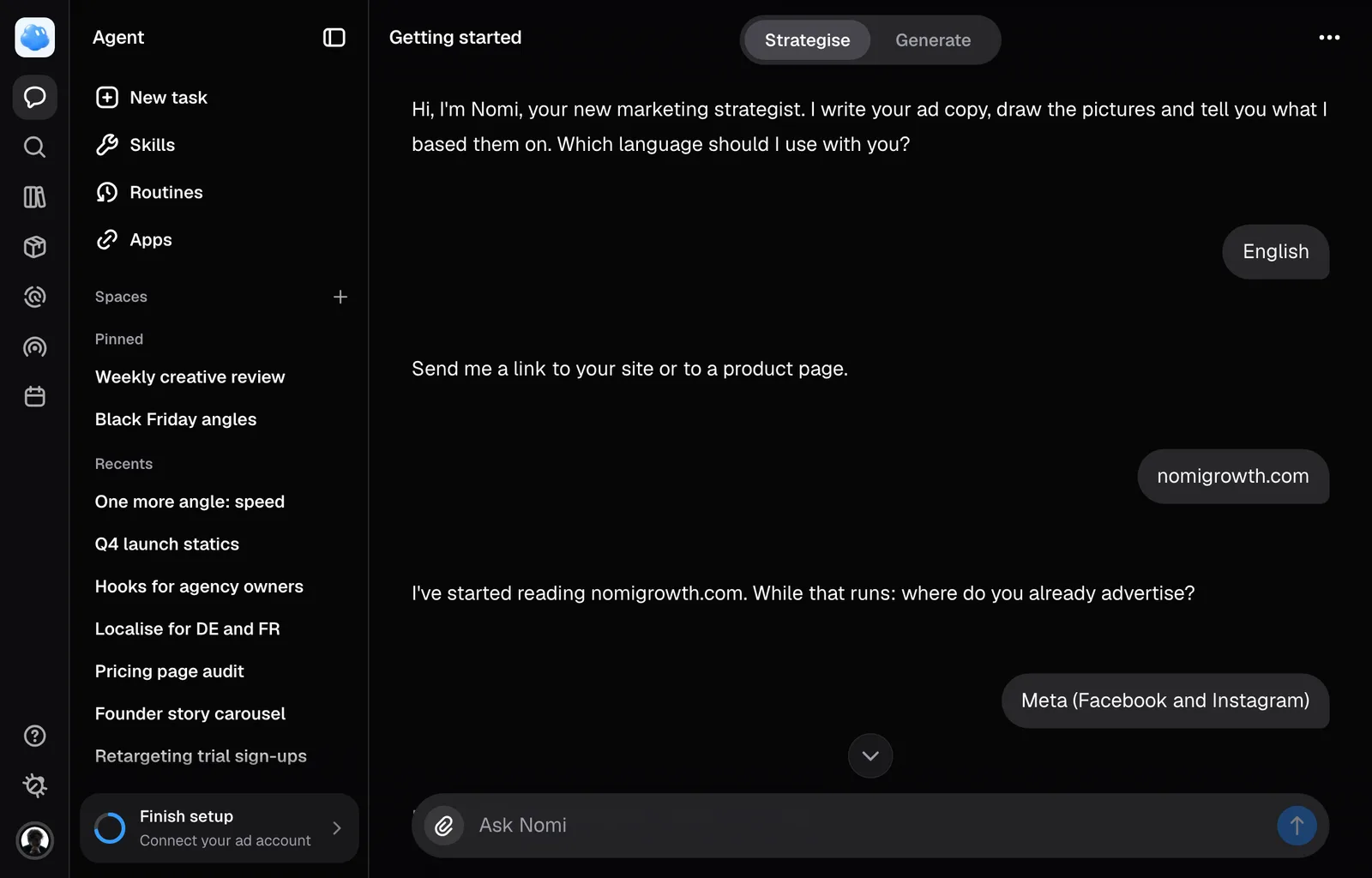
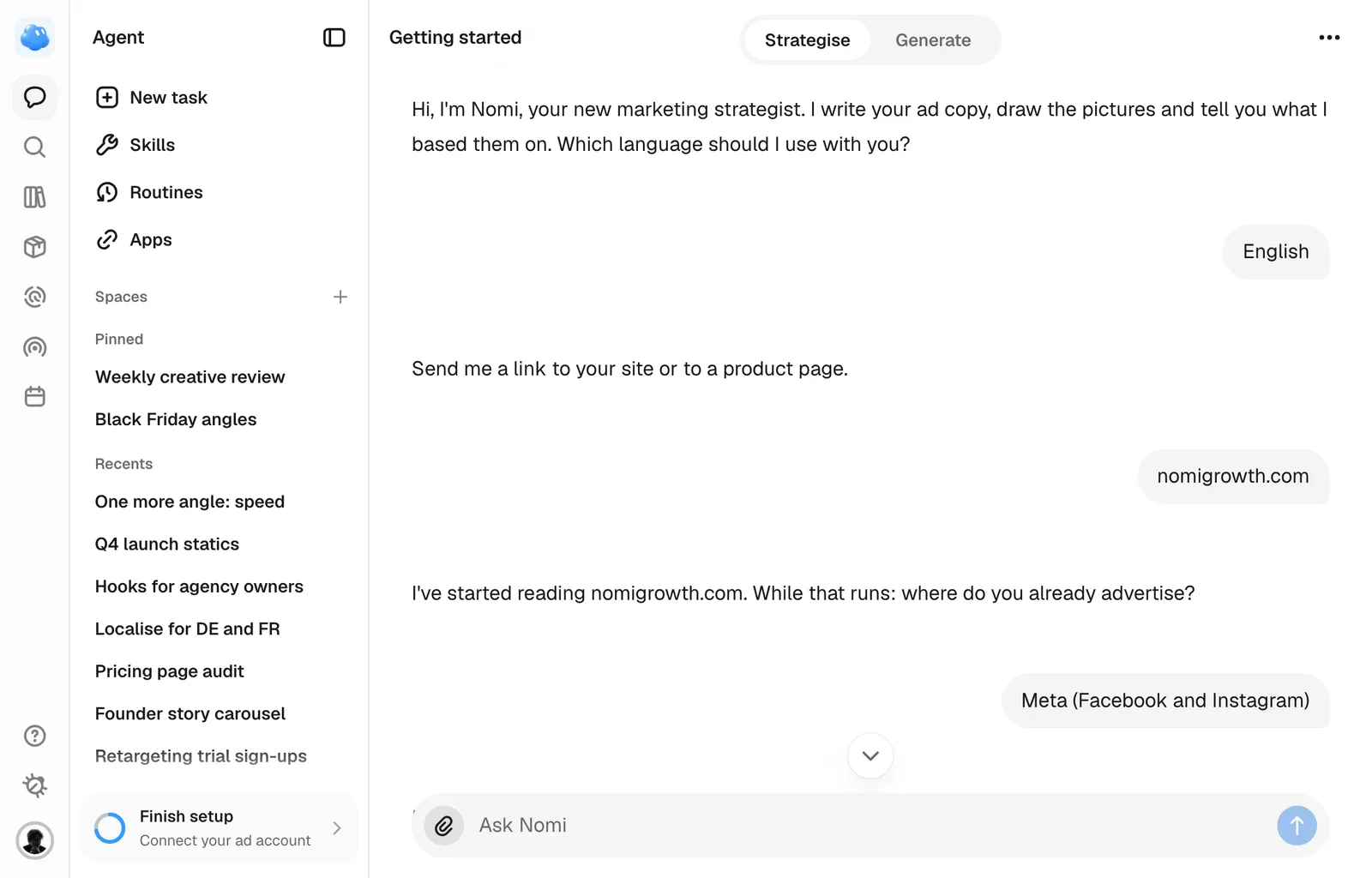
Setup happens right after you pay, and it is a conversation, not a form. Nomi meets you full screen, asks one thing at a time, and reads your site in the background while it keeps asking. You answer by tapping a button under its message or by typing in the field at the bottom, same as any other conversation with Nomi. The app opens once everything below is confirmed, on that same conversation.
While Nomi works, a short line beside its face tells you what is happening, such as saving your preferences or getting to know your brand. The line gives way to its next reply or question; setup does not show the task counter used in ordinary sessions.
What Nomi asks, in order
- Your language. Nomi greets you and asks which of the eight languages it speaks to use, your browser's own language first; everything it says from here on follows your answer, though the page itself stays in English.
- A link to your site or a product. If you signed up with an address at your own company's domain, Nomi offers that domain as a suggestion; an address anyone can get, such as Gmail or Outlook, is left out. The moment you give a link, Nomi starts reading it in the background, tells you it has started, and keeps asking the rest while it works.
- Where you already advertise, while the read runs: Meta, Google, TikTok, Amazon, or not yet. Pick as many as apply, and press Continue.
- Tone and initiative, also while the read runs: how Nomi should sound in your ads, and how much it decides on its own without asking first.
- A brief you already have, if you have one: if you already explained your business to ChatGPT or Claude, press Copy the prompt, run it there and paste its answer into your reply. Skip it and Nomi moves on.
- Your brand, once the read is done. Nomi shows what it found, in a few short lines, and asks if it is right. Say so, or correct it in your own words.
- Your products, the same way: shown, confirmed or corrected. If the read found none, Nomi asks for a link to a product page or a photo of one, which you can paste or drop into your reply; reading it costs credits, the same as adding a product anywhere else in the app.
- Your personas, the same way: shown, confirmed or corrected. If the read found none, describe your customers in your own words and Nomi adds them as a persona.
The read runs while you talk
The read itself takes about two minutes. Nomi spends that time on the questions above rather than leaving you watching a progress bar. When the read is done while a question is waiting on you, Nomi tells you after you answer it, never over it.
The same read looks for your own pictures, so the first ads Nomi makes already look like yours. If your site links your Instagram, Nomi keeps up to eight of your last 24 posts that show your brand. If it finds your Facebook page in Meta's Ad Library, it adds your eight newest image ads as well, and the page shows up in Radar under Following beside the brands you follow. Nomi finds that page only through your site: the page it links to, or the one tied to the Instagram account it links to, never a page that merely shares your name. Both sets land in Branding under Instagram and reference ads, and Nomi reads your look from them before setup finishes. The read card says what it filed, for example "8 Meta ads and 8 Instagram posts filed as references". If your site links neither Instagram nor Facebook, the card says so instead and points you to Instagram under Brand and Branding, where you can type your handle and press Read the look. On your first brand this part is on us, like the rest of setup. If it fails, Nomi says so and offers three ways forward: try again, try a different link, or describe your brand yourself in a few sentences. If you describe it, Nomi then asks for your products and your customers the same way as above.
Colours and typefaces are read out of your site's own stylesheet, and they are what most often comes back thin. If a colour, a typeface or a product photo is missing once setup finishes, open Brand or Products in the rail and add it yourself; a later conversation never overwrites what you typed.
If your read found no product and your workspace has no credits left, Nomi cannot add one from a link or a photo, and setup cannot finish without at least one product on file; top up credits, then give it the link again.
Leave and come back
Setup is one saved conversation. Close the tab or sign in from your phone and you land back in the same conversation, with everything you already answered kept, and pick up from the next question. A read that has started keeps going on our side while you are away, and Nomi tells you how it went once you are back.
When it is done
Once every checkpoint is confirmed, Nomi says the workspace is ready and the app opens on that same conversation, which stays in the Agent's sidebar under Recents afterwards as Getting started. Connecting an ad account, which setup does not ask for, is one step away under Settings.
Still missing something?