Account
Billing and invoices
Where the money controls live, which ones work today, and what is still off.
Last updated 21 October 2026

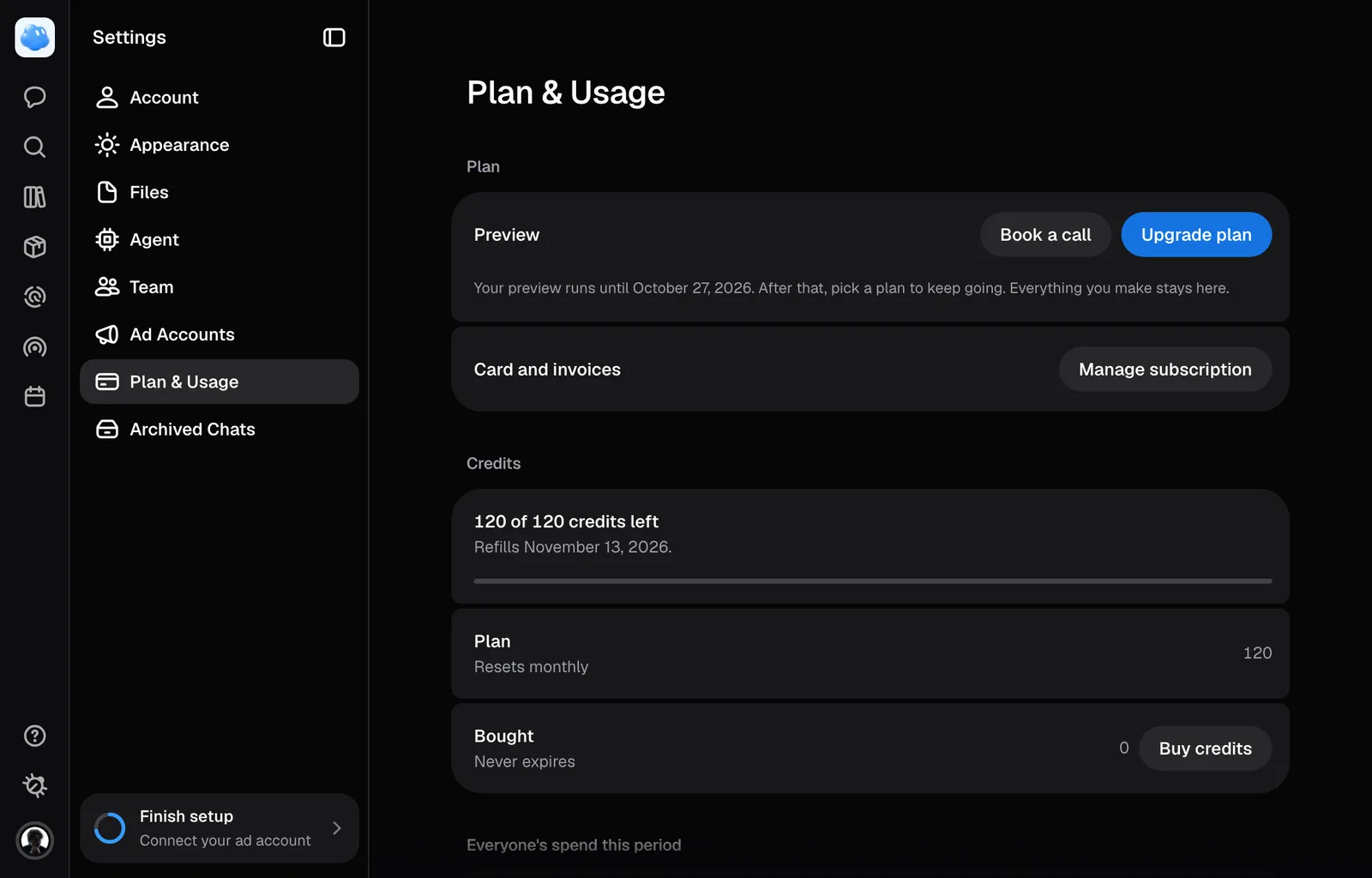
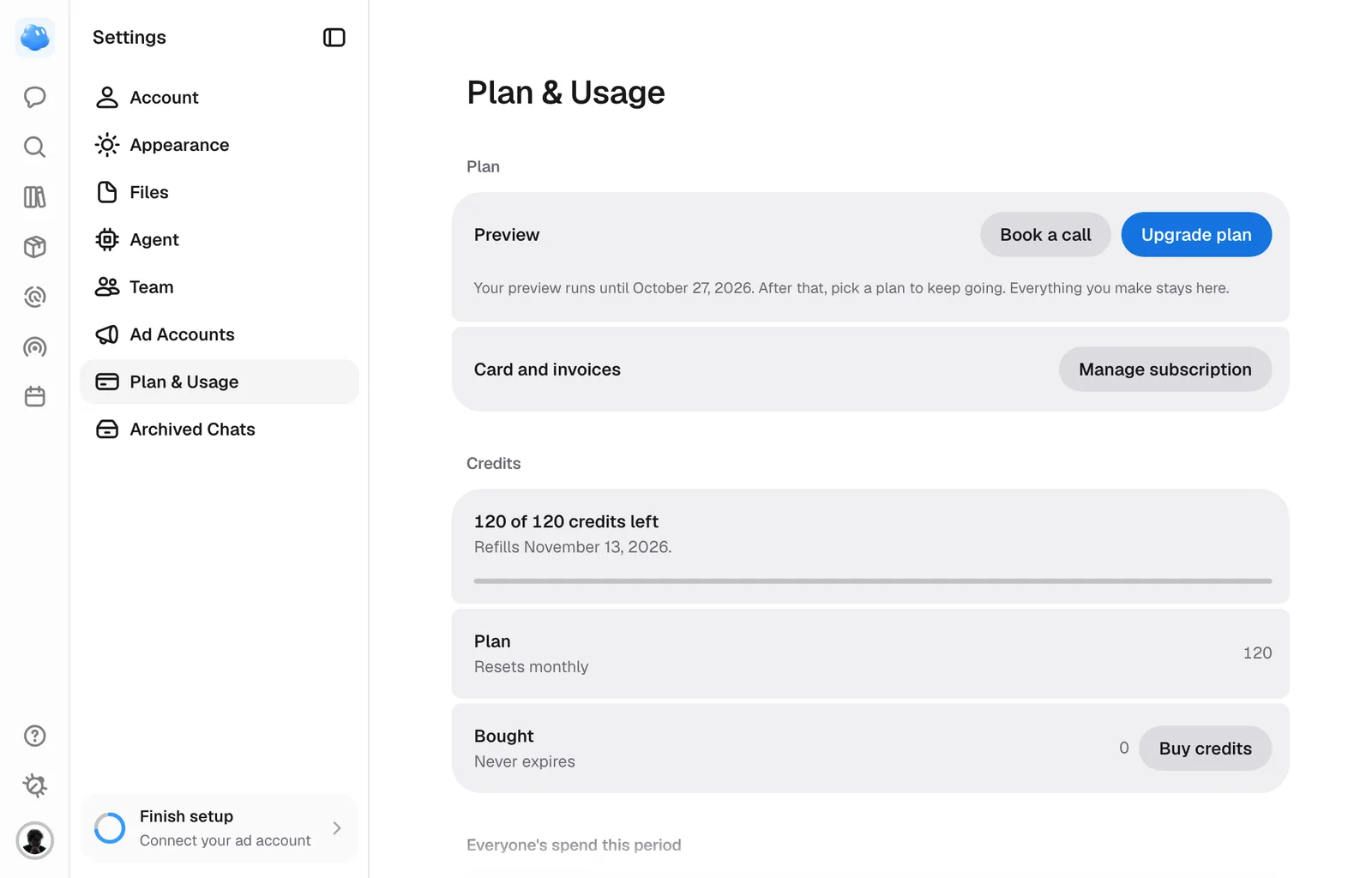
Everything about money sits in one place: Settings, under Plan & Usage. That is where the plan you are on, the credits left on it and every control for paying live.
Where billing lives
Open Settings and choose Plan & Usage. The page shows the plan you are on and how it is billed, the way to your card and invoices, your seats, how much of the allowance is left with the credits you bought beside it, and what this period's credits went on: one row for each kind of spend, with how many times, the last day and the sum. The filter above that table narrows it to one kind or one conversation. Confirm before spending, the ceiling above which Nomi stops and asks before a paid action, is on Agent.
If billing details are out of date, the panel shows the last recorded period and says updated details are unavailable. A past date is not presented as your next renewal.
Two buttons lead out of it. Upgrade plan opens the plan comparison, where all three plans are priced monthly and annually and set side by side. Buy credits opens the top-up sizes, priced at your own plan's rate.
Paying
Upgrade on a plan card, Start 7-day trial on Essential and Continue in the top-up window open checkout. It shows the order, invoice address, applicable VAT and final amount before you pay. Pay by card, with Link, or with another method the form offers. Stripe processes the payment details. An annual plan is paid for the year, with the full year’s credits available up front, including the 20% annual bonus.
Your bank may ask you to authenticate the payment, in a window over the form or on its own page. Once the payment goes through, or its result is not clear yet, checkout takes you back to where you started, which confirms it: the plan or credits are ready when payment and the balance are confirmed. If it says the payment is not complete, check again there before starting another payment. A declined card is named on the card field, and you can correct it in the same checkout.
Select I’m purchasing as a business in the Stripe form to add a business name and tax ID before paying. Check the updated total in the form. Prices shown on the plan cards and the order summary exclude VAT.
The trial, what it costs and how it becomes a plan are in Plans and credits.
Invoices and receipts
The card on file, the invoices and cancelling all live in Stripe's own billing portal. Manage subscription in Settings opens it, and so does Manage payment on the plans page. The portal exists once an account has paid at least once, so an account that has never subscribed is told it has no subscription to manage rather than being shown an empty page.
Credits you buy and the plan you are on are two separate purchases. A top-up adds credits to the balance you already have; it does not change the plan, the seats or the monthly allowance.
Refunds
What can be refunded and how to ask is in the refund policy. If a draw was charged and gave you nothing, say so rather than reading the policy first: that one is ours to put right.
A refunded payment takes back what is left of the credits it paid for. A payment disputed with the bank holds them while the dispute is open, and a disputed plan payment ends the subscription.
Who is allowed to pay
When the balance cannot cover an action, Nomi stops it before starting paid work. An owner sees how to add credits or choose a plan; a teammate is directed to the owner.
Only the account owner can start a purchase or open the billing portal. Everyone else on the account shares the same balance and can watch it go down, but both money controls refuse them, so an invited colleague cannot change the card, buy credits or cancel the subscription by accident.
If a plan or seat change needs an immediate payment and that payment fails, the change does not apply. Check your payment method in Manage billing, then try again.
Still missing something?